Sbu Clean
- Sheet
- SBU / 11 / clean
- Replaces
- Cleanup
- With Sbu
- €0
Clear space in your photos
Free up space in your Photos library without paying to delete. No daily limits, no waiting, no trial that turns into a subscription: swipe, review and delete as many photos as you like.

3.2 GBSpace you can free
What it does
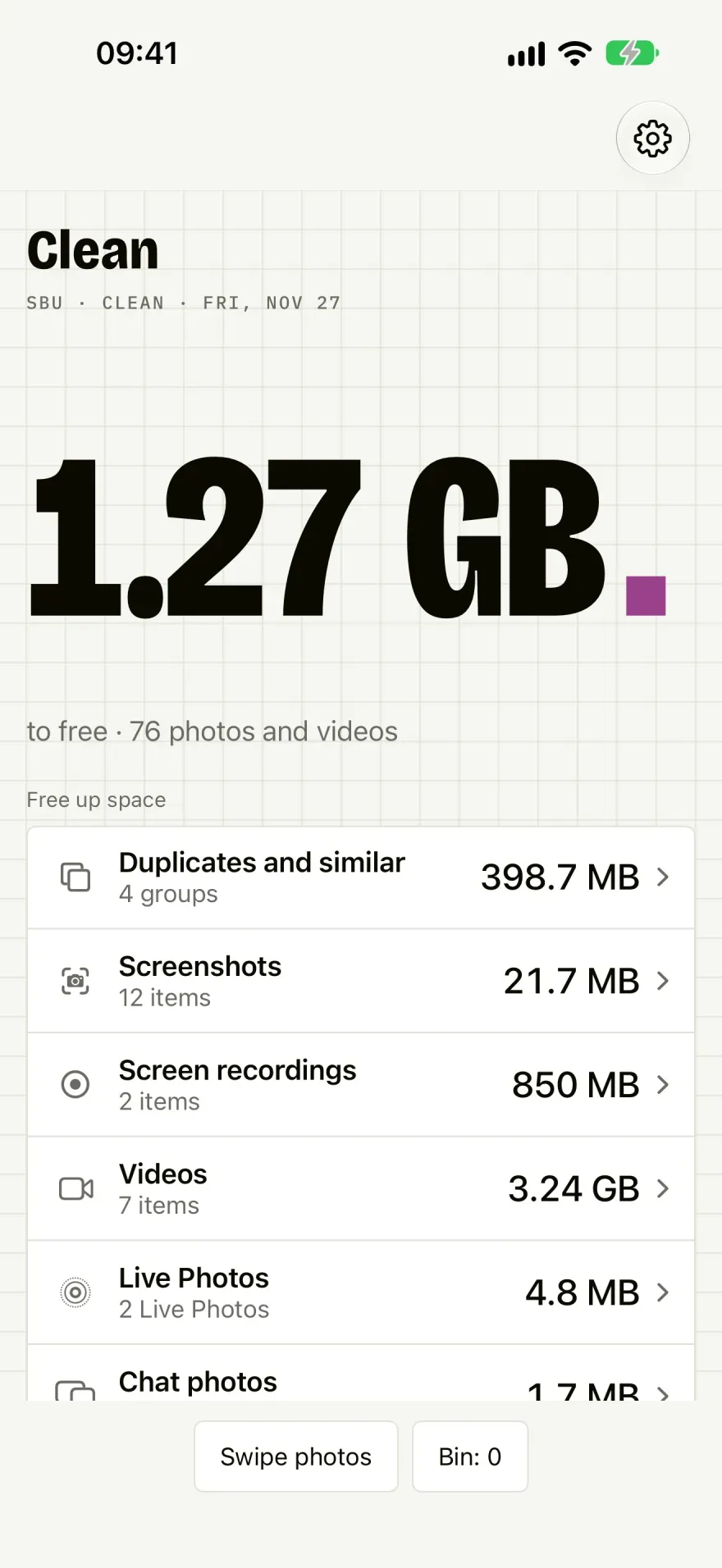
- At the top, the space you can free, and below it your iPhone's storage
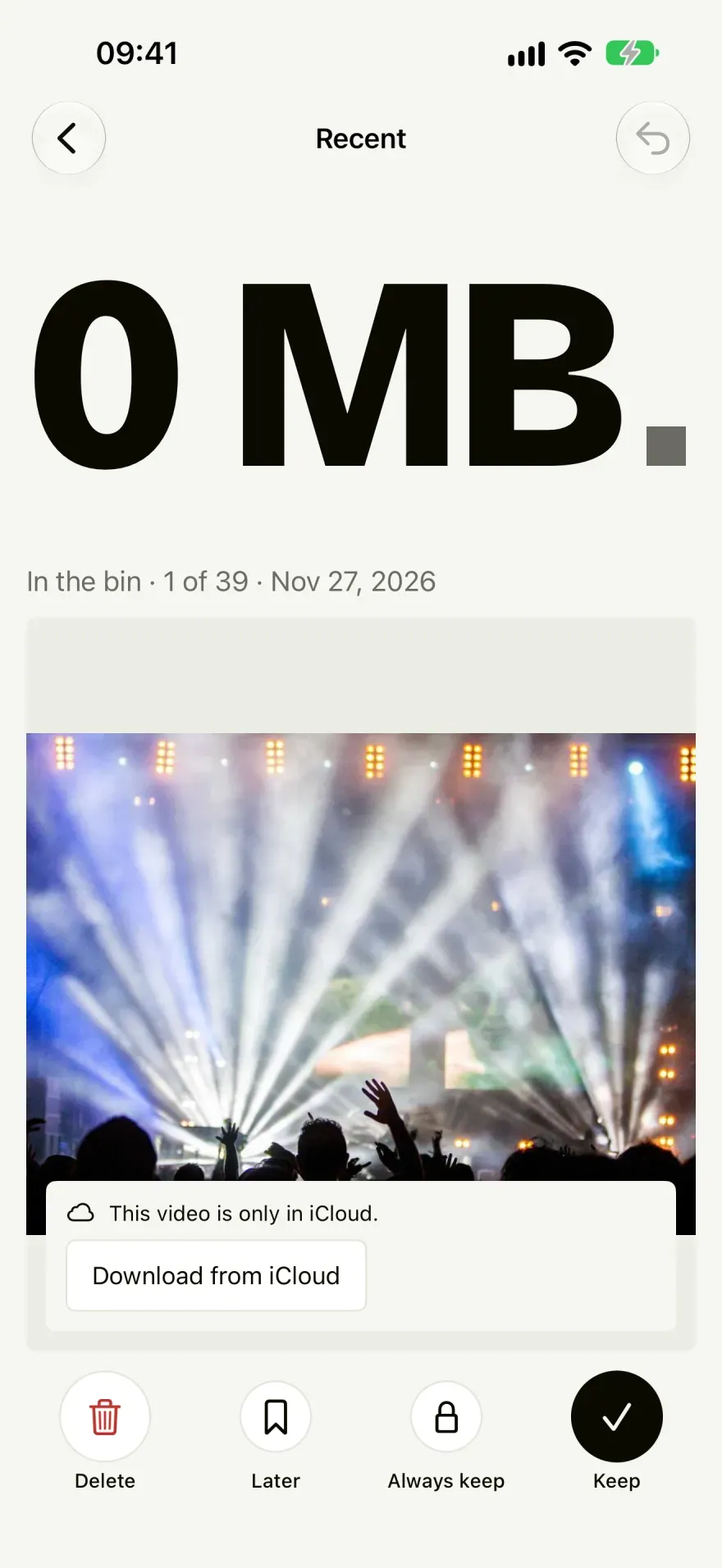
- Swipe left for the bin, right to keep; undo the last choice with one tap
- Month by month, Recent, Random and one album at a time: pick up where you left off, even after an update
- On this day with a calendar: every day with photos from past years, to swipe through
- Set uncertain photos aside to decide later, or always keep them: they won't come up again
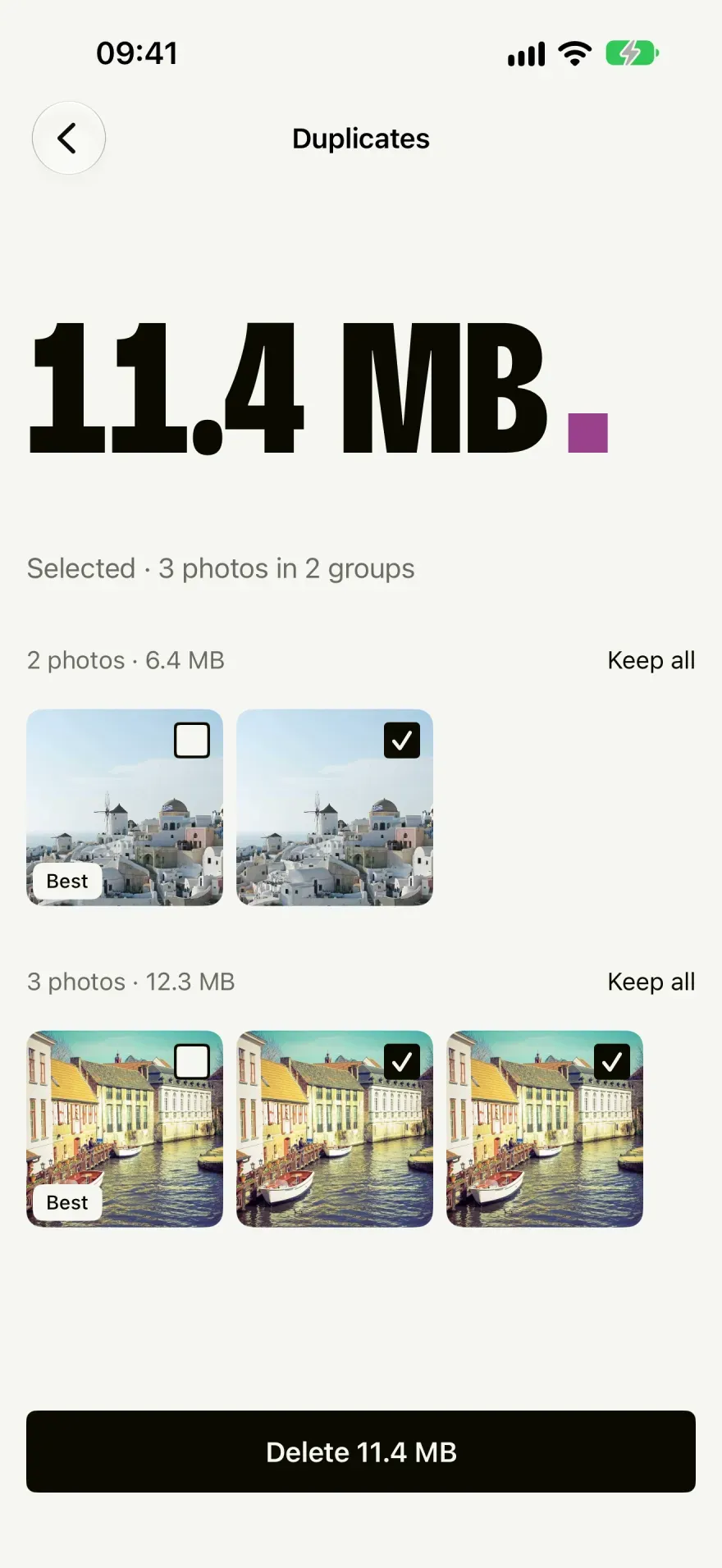
- Duplicates and similar photos found with Vision on your iPhone: the best one stays, the copies are already selected, and you decide
- The best shot by face, sharpness, favourites and edited photos
- Similar videos: copies and retakes of the same scene, to watch before choosing
- Blurry and shaken photos, found on your iPhone, to review together
- Photos saved from chat apps, in one grid
- Screenshots and screen recordings in a grid, to select all at once
- Videos sorted from the heaviest, to watch before deciding
- Compress a video in low, medium or high quality: the original stays until you decide
- Turn Live Photos into still photos and save the video part
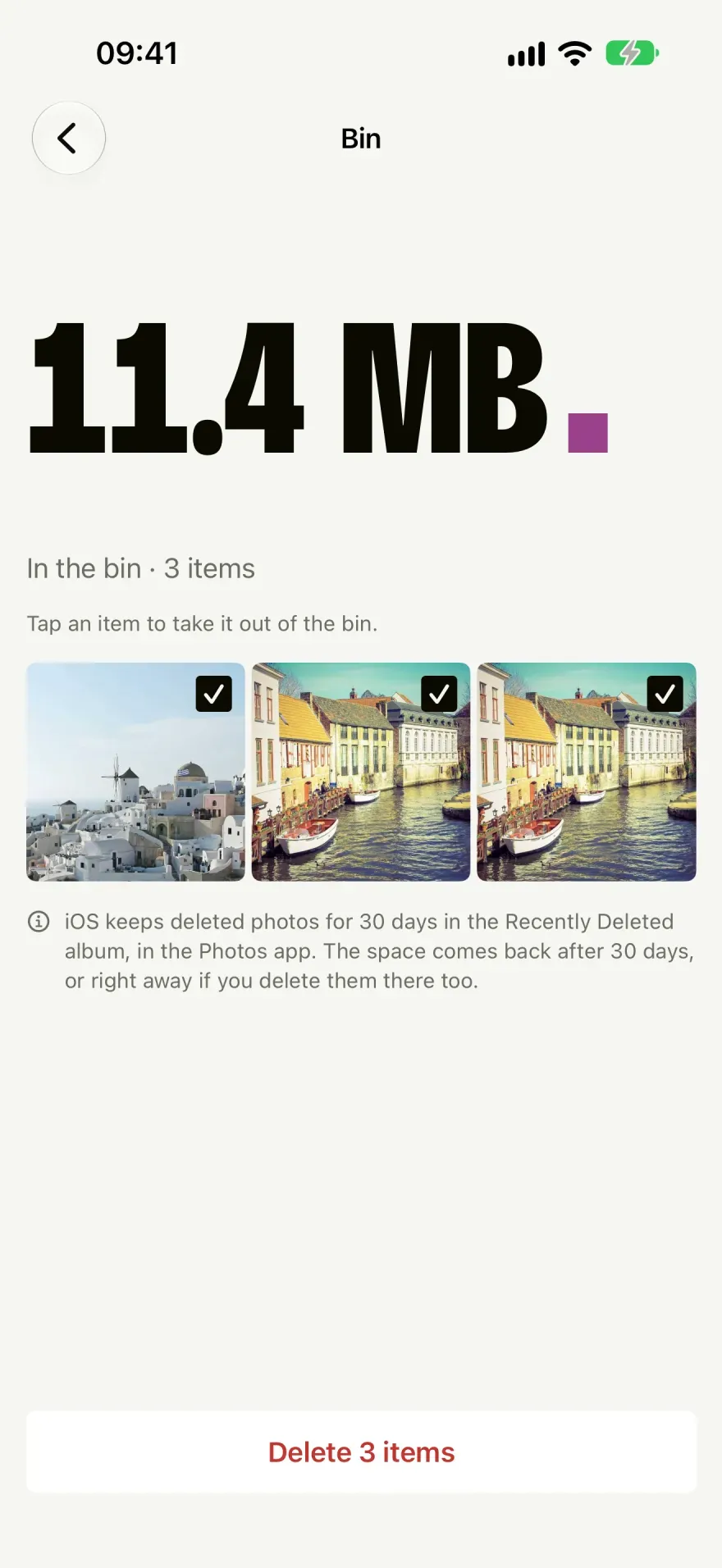
- A bin with a final review: nothing is deleted without your confirmation and iOS's
- It tells you plainly that iOS keeps deleted photos for 30 days in Recently Deleted
- The space freed, in total and in the last cleanup
- A widget with your iPhone's free space
- Duplicate contacts: same number, email or name, merged into one; a copy goes to Files first
- The scan runs on your iPhone; a video kept only in iCloud downloads only when you ask
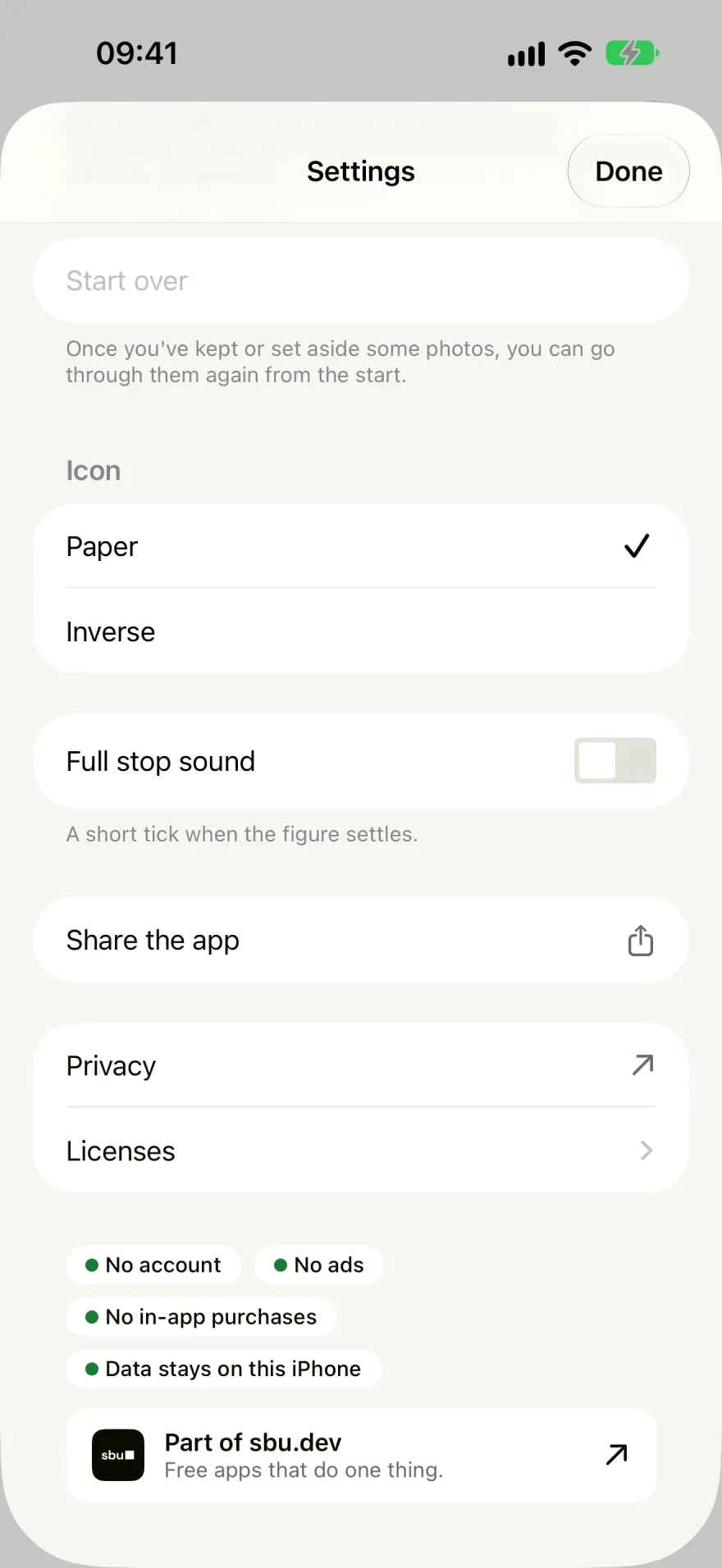
- Light and dark mode, Dynamic Type, VoiceOver
What it does not do
- Asks for no subscription
- Sells no in-app purchases
- Needs no account
- Shows no ads
- Does not track you
- Sends none of your data to sbu.dev
Questions
Is Sbu Clean really free?
Yes. No subscription, no in-app purchases, no ads and no daily limits. Delete as many photos as you like.
I deleted photos but the space didn't come back. Why?
iOS keeps deleted photos for 30 days in the Recently Deleted album, in the Photos app. The space comes back after 30 days, or right away if you delete them there too.
How does it pick the best of the duplicates?
It prefers photos you marked as favourite or edited, then the one where the face came out best, then the sharpest. It's a suggestion, preselected for you to confirm. You can change it with a tap, and nothing is deleted without the bin's review.
Do my photos leave my iPhone?
No. Sbu Clean analyses them on your iPhone with Vision and sends them to no server.
How does it find blurry photos?
It measures each photo's sharpness on your iPhone, the same measure that picks the best of the duplicates. Favourites and screenshots stay out, and the list is for you to review: nothing is deleted on its own.