Sbu Grid
- Sheet
- SBU / 16 / grid
- Replaces
- DrawinGrid
- With Sbu
- €0
Drawing grid for your photos
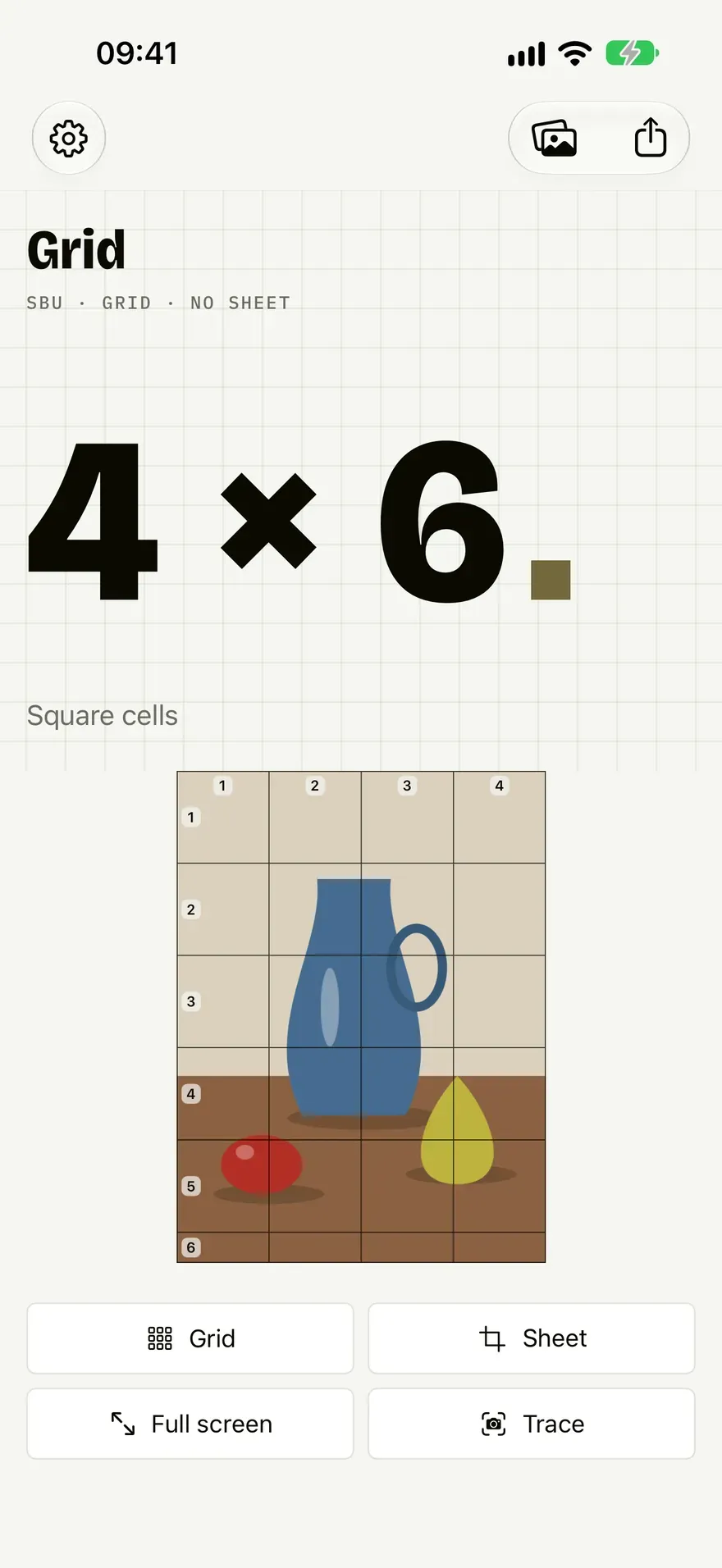
Choose a photo and Sbu Grid lays a grid over it: you copy it onto paper one cell at a time, with the right proportions.
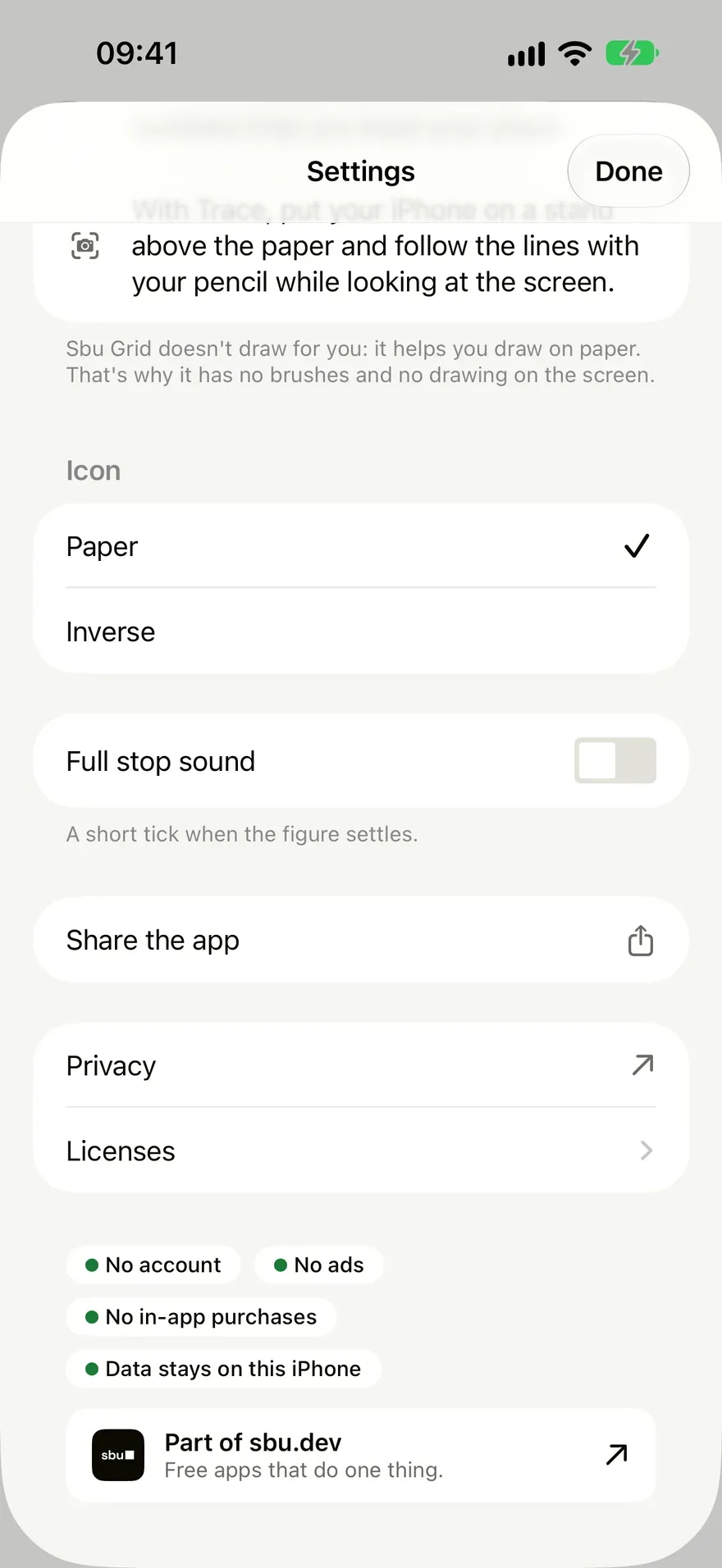
Sbu Grid helps you draw on paper: it has no brushes and no drawing on the screen.
In developmentFor iPhone with iOS 17 or later.
¾ inCell
What it does
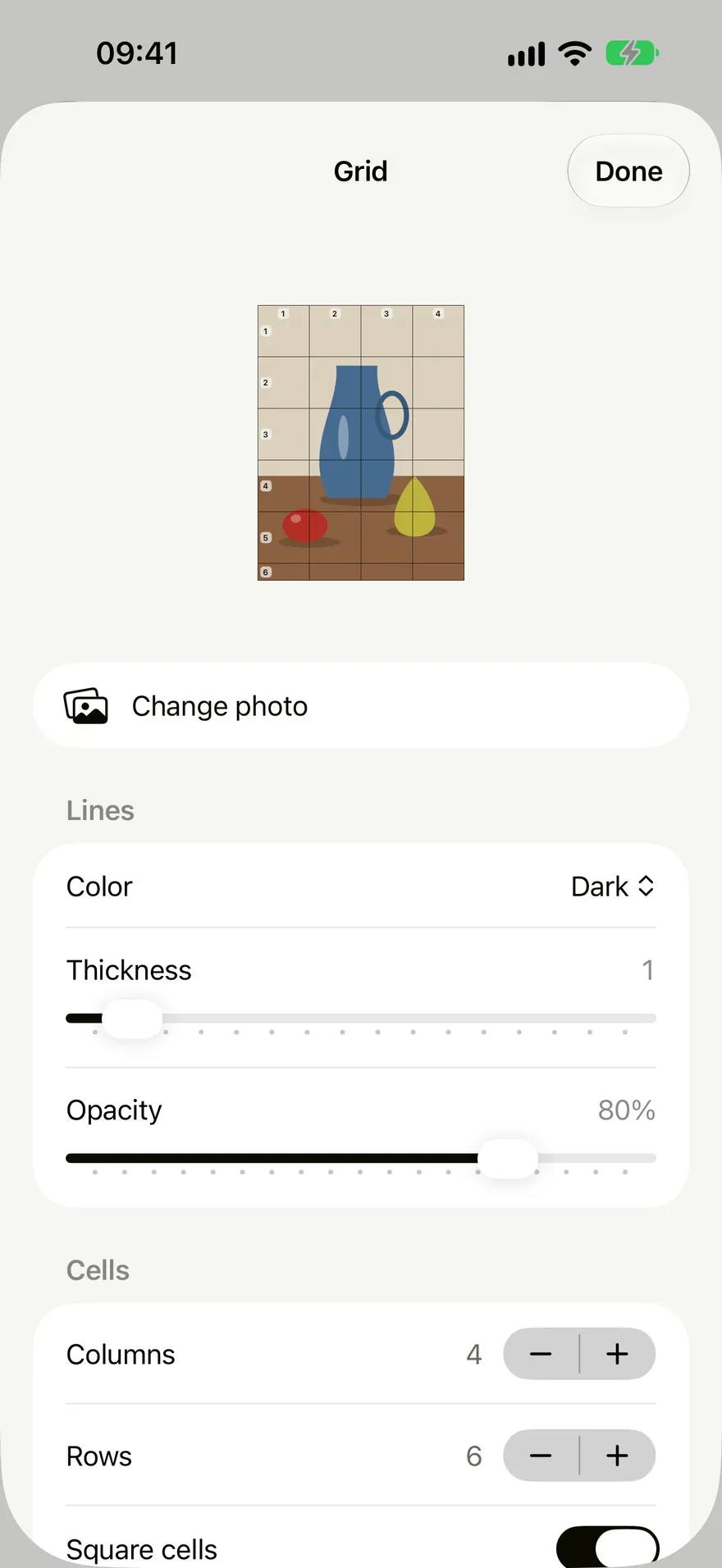
- Free columns and rows, or square cells: the rows always say how many they are and why
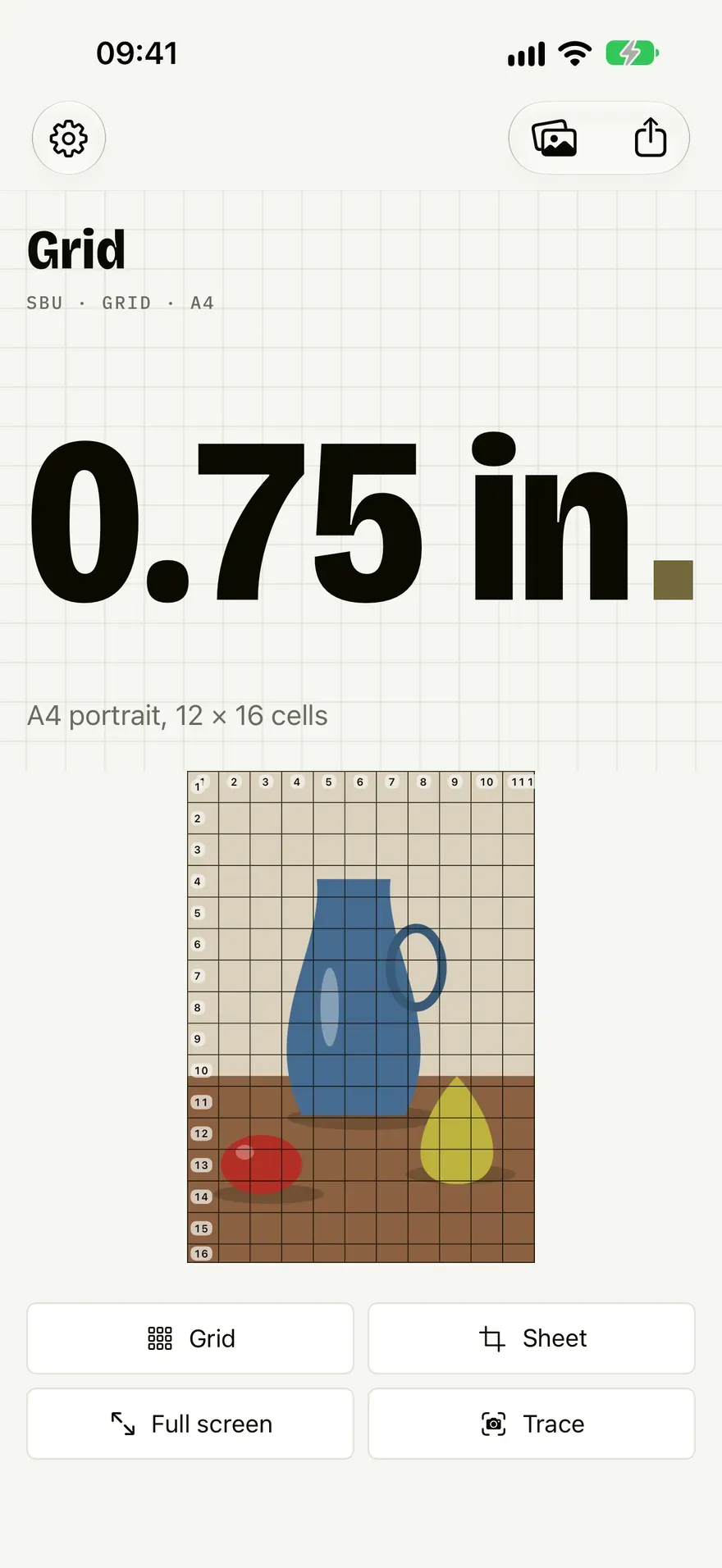
- Paper format: A5, A4, A3, Letter or custom, portrait or landscape
- Cells in centimeters or inches: rows and columns come from the sheet
- Crop the photo to the sheet's shape, with handles you reach even on iPhone SE
- Diagonals and row and column numbers
- Dark or light line, thickness and opacity
- Black and white to read light and shade
- Zoom and full screen to look at a cell up close
- Trace: the photo see-through with the grid over the camera, to trace onto paper with your iPhone on a stand
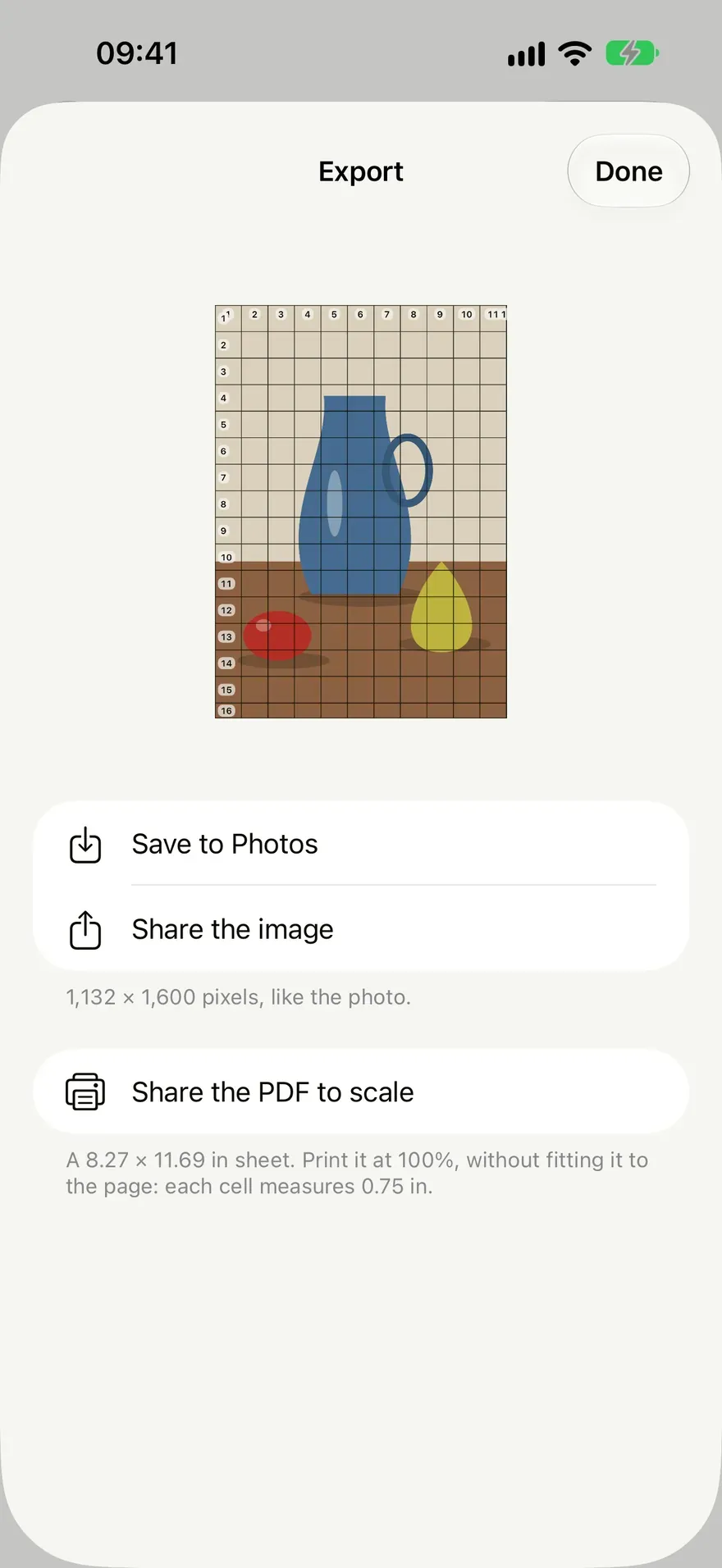
- Save to Photos or share at the photo's resolution, and a PDF at real scale to print
- Choose the photo without giving access to your library
- Light and dark, Dynamic Type, VoiceOver
What it does not do
- Asks for no subscription
- Sells no in-app purchases
- Needs no account
- Shows no ads
- Does not track you
- Sends none of your data to sbu.dev
Questions
Is Sbu Grid really free?
Yes. No subscription, no in-app purchases, no ads, no account. Paper formats, the PDF to scale and Trace too.
How do you draw with the grid?
Rule your paper with the same rows and columns as the grid, then copy one cell at a time, looking only at what is inside it. The proportions come out right on their own.
Can cells have a real size?
Yes. In Sheet pick A5, A4, A3, Letter or your own format and the cell side in centimeters or inches. The photo is cropped to the sheet's shape and the rows and columns come from it.
Can I draw on the screen?
No. Sbu Grid helps you draw on paper. With Trace you see the sheet through the camera with the photo see-through over it, and follow the lines with your pencil.