Sbu Remote
- Sheet
- SBU / 21 / remote
- Replaces
- TV Remote - Universal Control
- With Sbu
- €0
TV remote over Wi-Fi
Sbu Remote controls your TV from your iPhone, over your home Wi-Fi, with no limit on taps.
Works with Samsung Tizen from 2016, LG webOS, Android TV and Google TV (Sony, TCL, Philips, Xiaomi, Hisense, Chromecast with Google TV) and Sony Bravia. Does not work with Fire TV, Hisense VIDAA, Philips without Android, Roku and Apple TV: for Apple TV, the remote is already in Control Center.
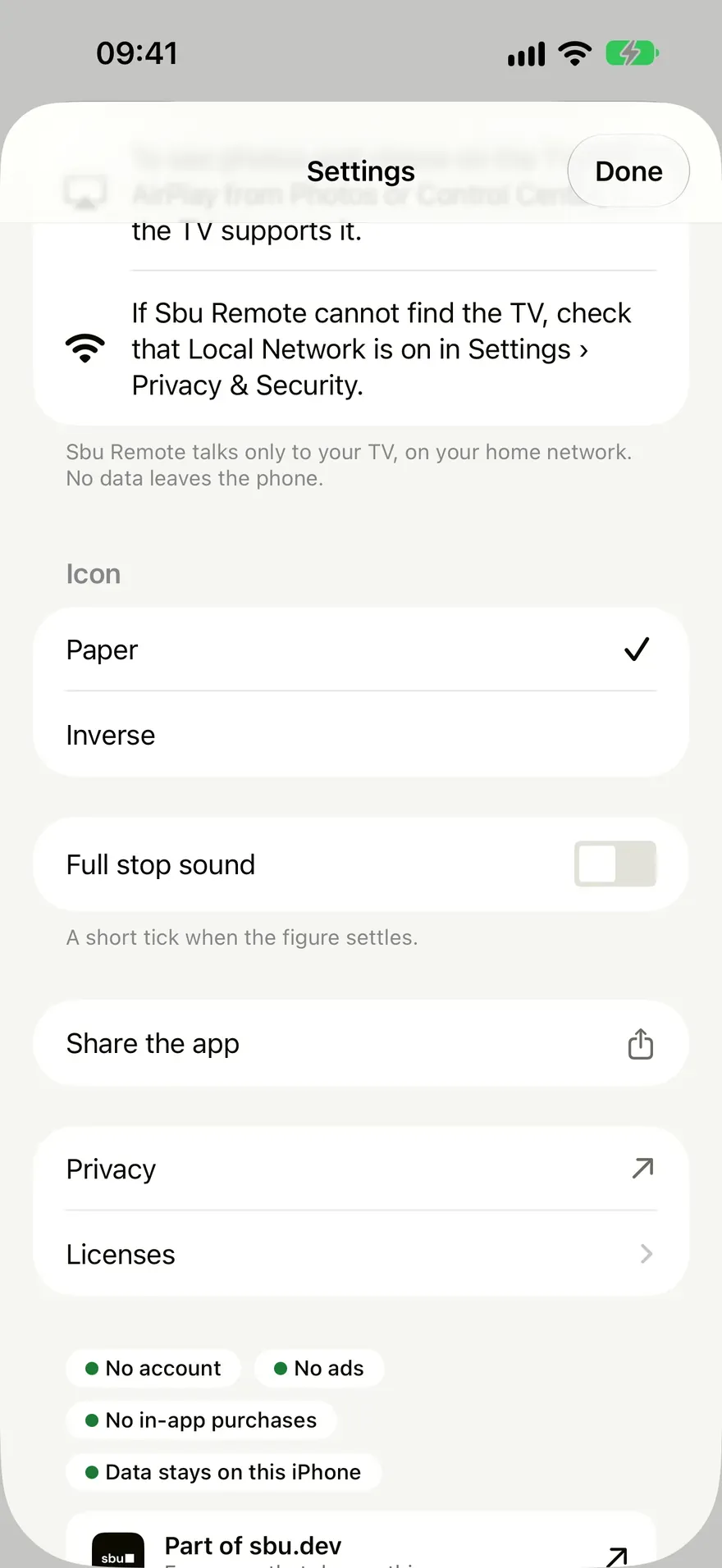
Sbu Remote talks only to your TV, on your home network: that is why iOS asks for the Local Network permission. No data goes to the internet.
In developmentFor iPhone with iOS 17 or later.
What it does
- Finds the TV on your Wi-Fi, or you add it by typing its IP address
- Guided pairing per brand: it tells you what shows on the TV and which setting to turn on
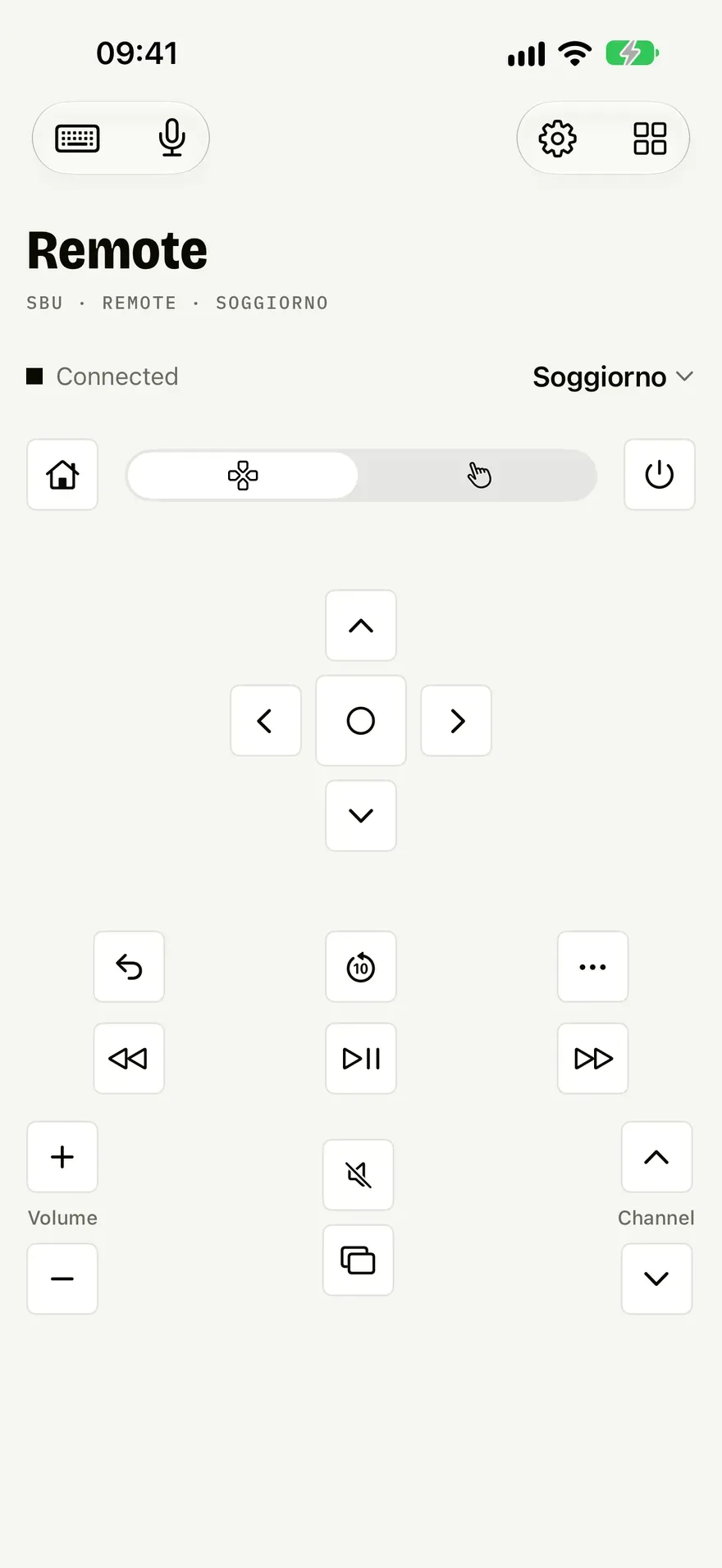
- Power, Home, Back, arrows and OK, with a light tap of haptics on every key
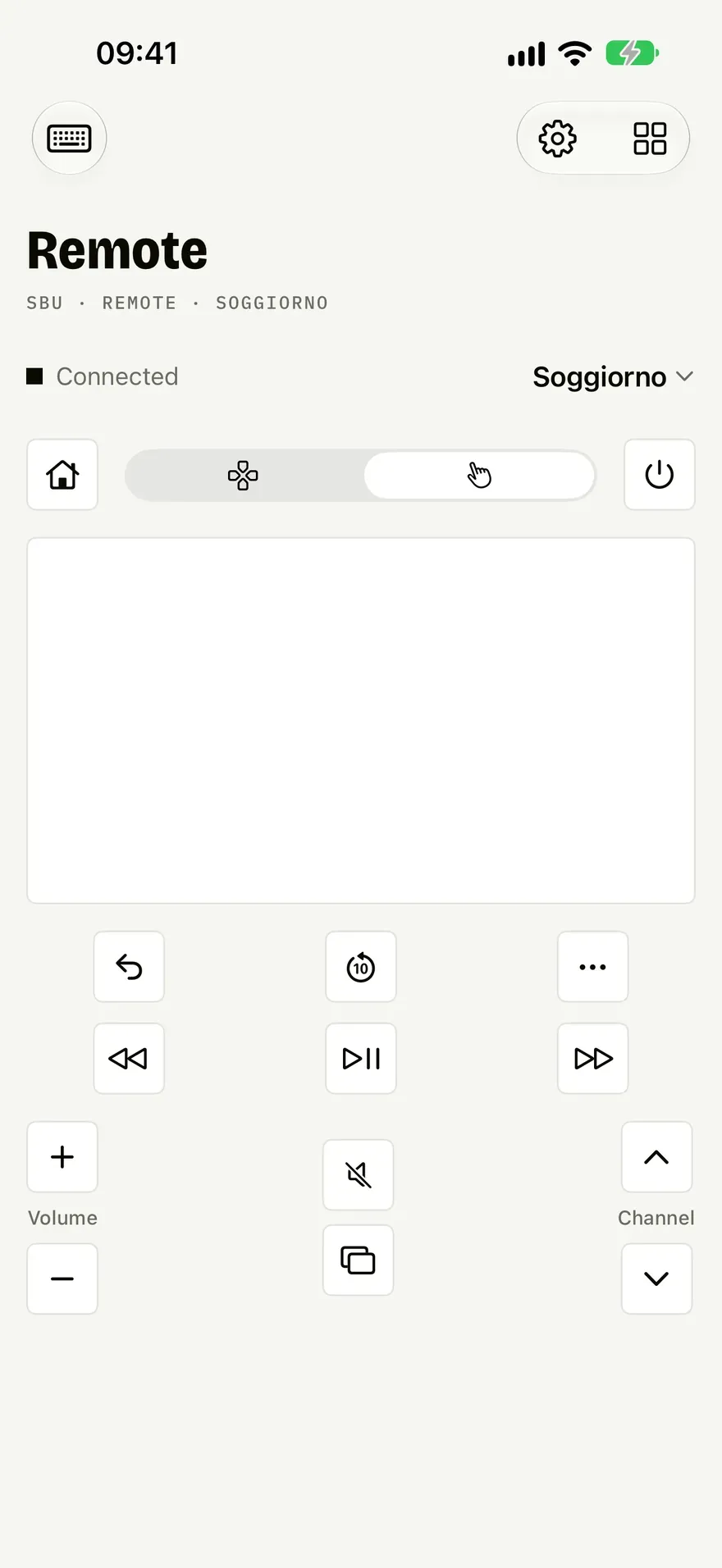
- Touchpad: swipe to move through menus, tap for OK; on LG it moves the pointer
- Volume, mute and channels; held down, a key repeats as on the remote
- Rewind, play and pause, fast forward, replay and options
- Keyboard: text reaches the TV's search box as you type
- Voice search recognized on the iPhone: the audio never leaves the phone
- The TV's apps in a list, and up to three pinned under the keys
- HDMI inputs read from the TV on LG and Sony, the Source key on the others
- Power on with Wake-on-LAN, with the setting to turn on for your TV
- Several TVs: tap the name at the top to switch
- Reconnects on its own when you come back to the app or change Wi-Fi
- Widget with volume, mute, play and power; Shortcuts and Siri; power in Control Center from iOS 18
- Light and dark theme, Dynamic Type, VoiceOver
What it does not do
- Asks for no subscription
- Sells no in-app purchases
- Needs no account
- Shows no ads
- Does not track you
- Sends none of your data to sbu.dev
Questions
Is Sbu Remote really free?
Yes. No subscription, no in-app purchases, no ads, no account, and no limit on taps.
Which TVs does it work with?
Samsung Tizen from 2016, LG webOS, Android TV and Google TV (Sony, TCL, Philips, Xiaomi, Hisense, Chromecast with Google TV) and Sony Bravia. It does not work with Fire TV, Hisense VIDAA, Philips without Android, Roku and Apple TV.
Why does it need Wi-Fi?
The iPhone has no infrared, so Sbu Remote talks to the TV through your home network. Phone and TV must be on the same Wi-Fi.
Can it turn the TV on?
Yes, if the TV keeps its network on in standby. In Settings, under your TV, you find the option to turn on. It works better with a network cable than over Wi-Fi.