Sbu Shrink
- Sheet
- SBU / 15 / shrink
- Replaces
- Compress Videos & Resize Video
- With Sbu
- €0
Compress videos, free space
Compress your videos and free up space on your iPhone. No watermark, no daily limit, and many videos at once, for free.
In developmentFor iPhone with iOS 17 or later.
−82%Size of an iPhone video
What it does
- Pick one or more videos from Photos, or import them from Files
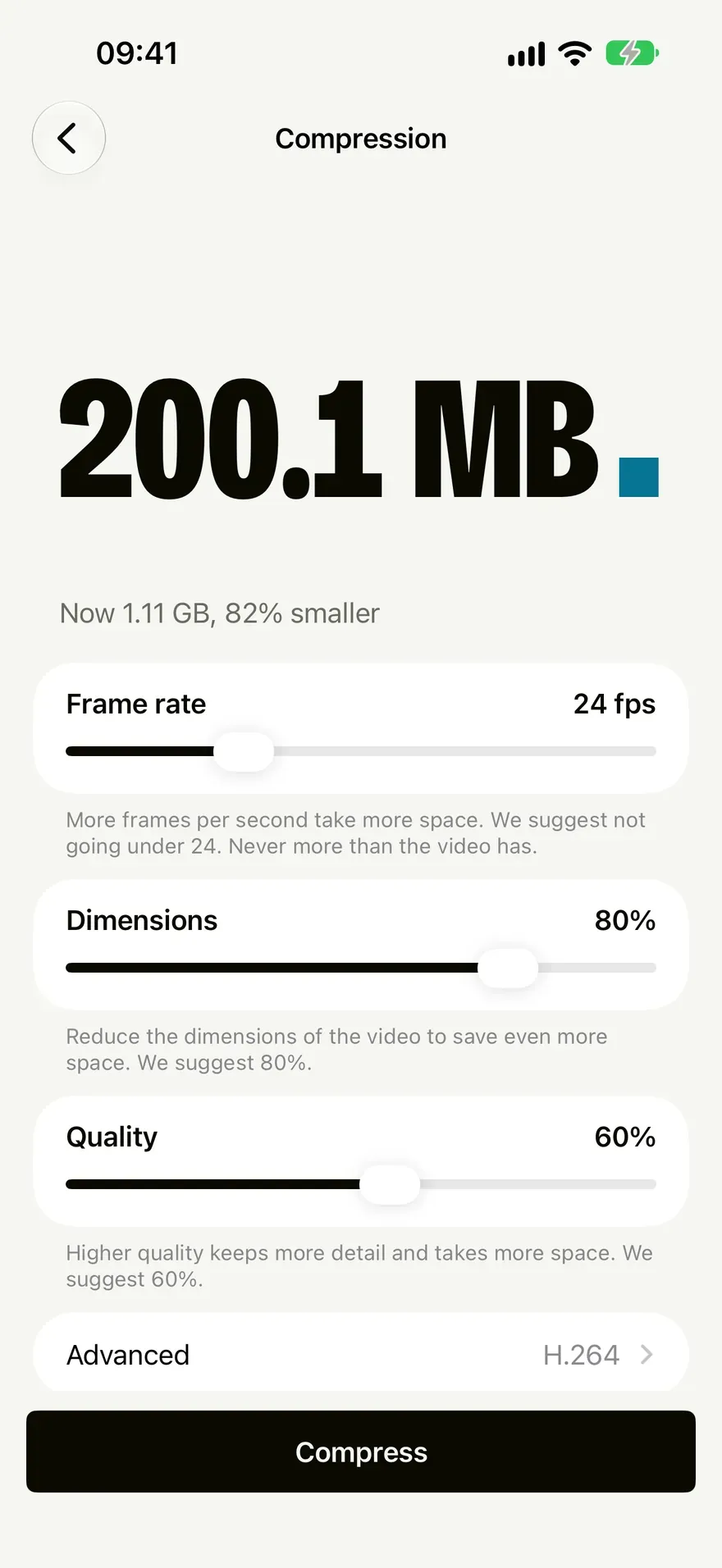
- Two settings everyone gets: frame rate (24 suggested) and dimensions (80% suggested), plus quality
- See how much they will weigh before compressing: with the suggested settings an iPhone video gets about 80% lighter
- The size of each video and the total of the selection
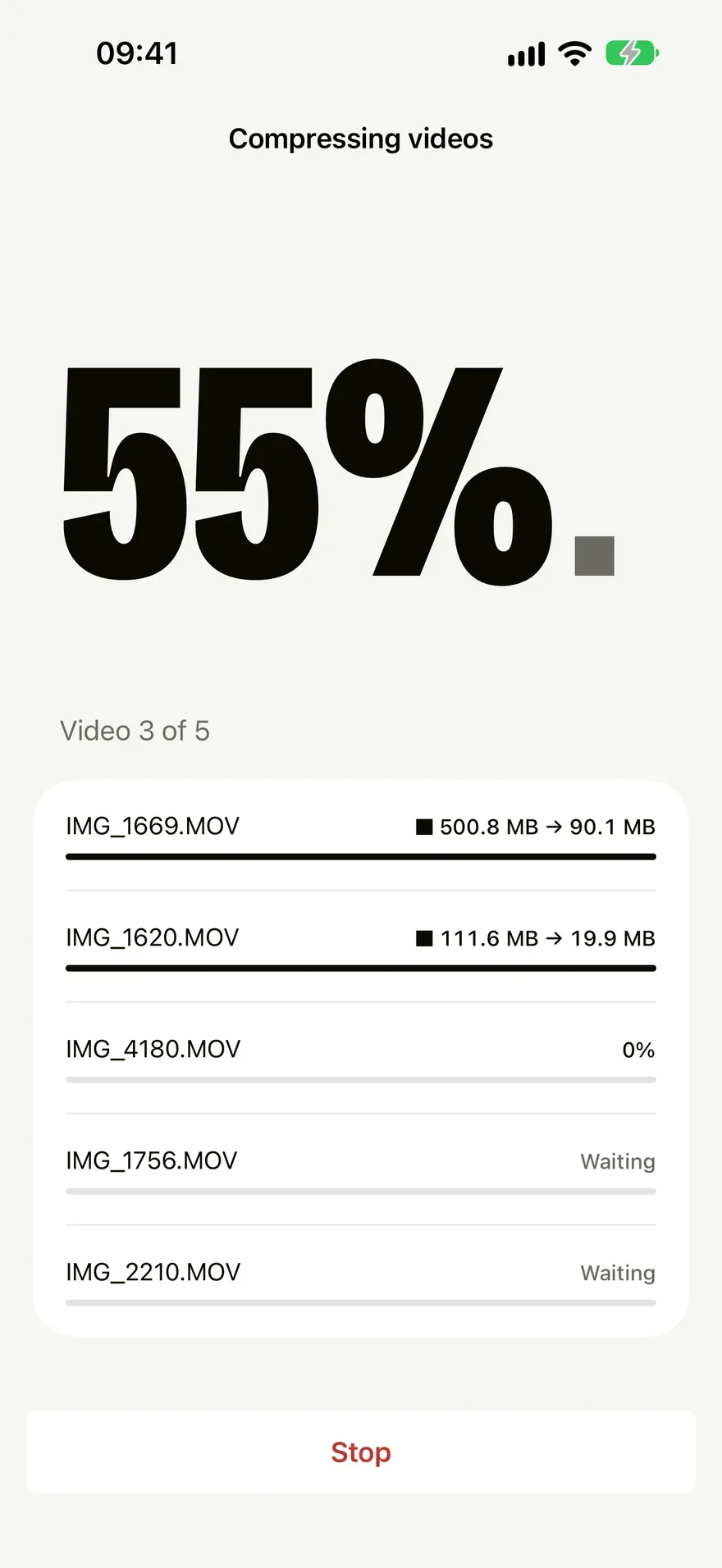
- Compress many videos in a row: overall percentage, "video 2 of 5", a bar for each video and Stop
- A video that fails does not stop the others; one that is already light stays as it is
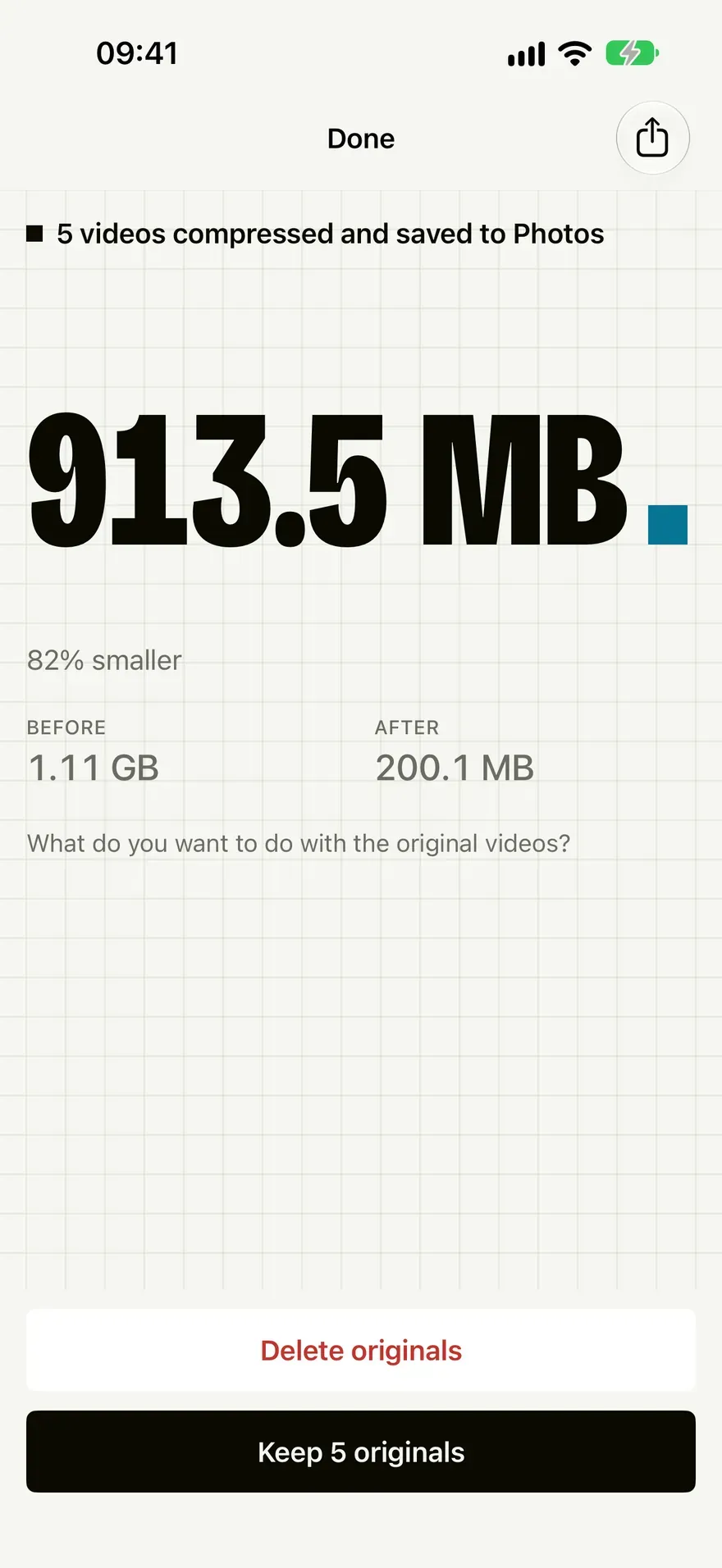
- At the end: before, after and how much you saved
- Copies go to Photos and to the Compressed Videos album, with the date and place of the original
- Then choose: delete the originals (the app asks, then iOS) or keep them
- Share the copies with any app
- Advanced: maximum size in MB per video, H.264 or HEVC, convert to MP4, remove audio
- Reads H.264, HEVC, .mov, .mp4 and .m4v
- Everything on your iPhone with Apple's video encoder: no video leaves the phone
- Light and dark mode, Dynamic Type, VoiceOver
What it does not do
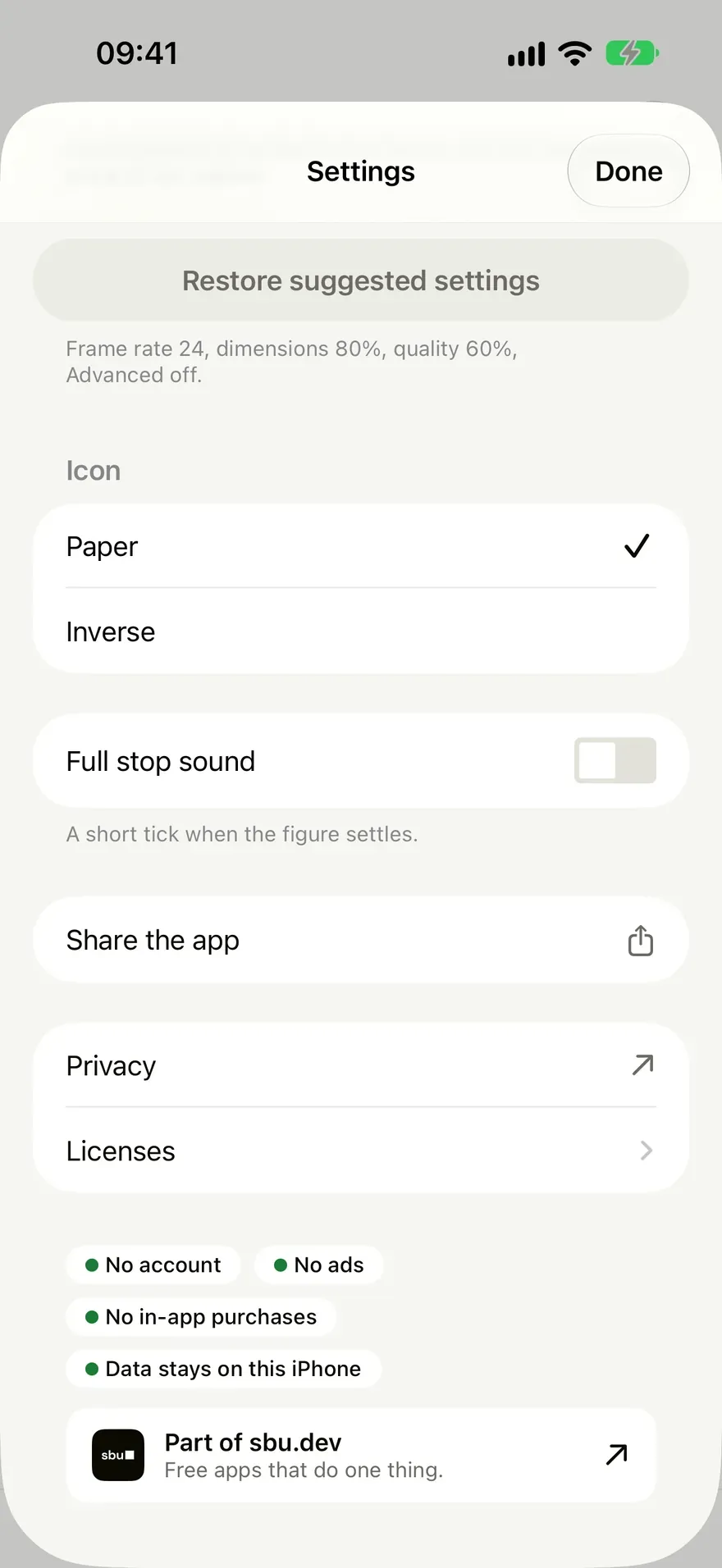
- Asks for no subscription
- Sells no in-app purchases
- Needs no account
- Shows no ads
- Does not track you
- Sends none of your data to sbu.dev
Questions
Is Sbu Shrink really free?
Yes. No subscription, no in-app purchases, no ads, no watermark and no daily limit. Many videos at once, too.
How much lighter do videos get?
With the suggested settings, 24 frames per second and dimensions at 80%, a video shot on iPhone gets about 80% lighter. You see the estimate before compressing.
Can I choose how much a video should weigh?
Yes. In Advanced you set a maximum size in MB per video, for example 25 MB for an email. There you also choose H.264 or HEVC, MP4 conversion and whether to remove the audio.
Are the originals deleted?
Only if you choose. At the end you can delete or keep them; if you delete them, iOS asks again and keeps them for 30 days in Recently Deleted.